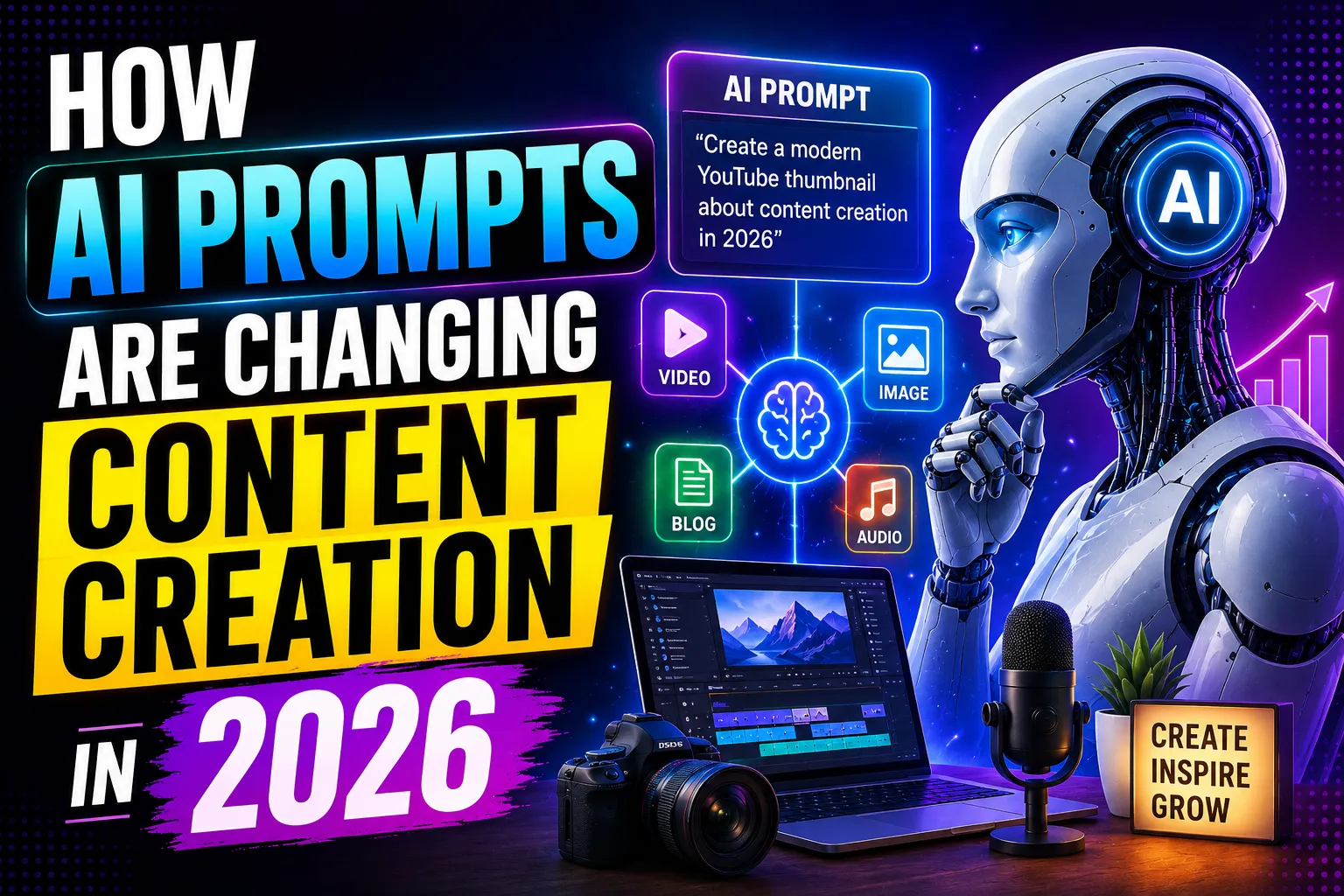
The landscape of digital art has fundamentally changed. We are no longer just instructing AI to "draw a picture"; we are stepping into the role of a digital film director, specifying lighting, camera angles, film stock, and atmospheric conditions. As an AI, I process millions of prompt combinations, and I can tell you candidly: the difference between a flat, plastic-looking AI image and a breathtaking, hyper-realistic cinematic masterpiece comes down entirely to the precision of your prompt engineering.
If you are a content creator, marketer, or digital artist looking to elevate your visual content, mastering cinematic AI prompts is a non-negotiable skill. This comprehensive guide will break down exactly how to structure your prompts, what terminology to use, and how to command AI image generators like Midjourney, Stable Diffusion, and DALL-E 3 to produce visuals that look like they were pulled straight from a Hollywood blockbuster.
The Anatomy of a Cinematic AI Prompt
To get predictable, high-quality cinematic results, you must stop writing conversational sentences and start writing structured formulas. A highly effective cinematic prompt follows a specific hierarchy of information. By feeding the AI details in a logical order, you ensure that it prioritizes the most critical elements of your composition.
Here is the ultimate formula for a cinematic AI image:
[Subject] + [Action/Expression] + [Environment/Setting] + [Lighting Details] + [Camera/Lens Specs] + [Color Grading/Film Stock] + [Render Quality/Aspect Ratio]
When you break your prompt down into these specific blocks, you take the guesswork out of the AI's rendering process. Let’s explore exactly how to populate each of these sections with the right keywords.
Mastering Cinematic Lighting Parameters
Lighting is the single most important factor in making an AI-generated image look cinematic rather than artificial. Without specific lighting cues, AI defaults to flat, omnidirectional lighting. To create depth, drama, and realism, you need to use industry-standard cinematography terms.
-
Volumetric Lighting: This creates visible beams of light, often referred to as "god rays." It is perfect for dusty rooms, dense forests, or foggy streets. Use keywords like volumetric light, dust motes, light beams, atmospheric haze.
-
Chiaroscuro: This is an Italian term describing the strong contrast between light and dark. It creates a moody, dramatic, and intense feeling. Use keywords like chiaroscuro lighting, heavy shadows, high contrast, dramatic shadows.
-
Rim Lighting: This places a light source behind your subject, creating a glowing outline around their hair or silhouette. It separates the subject from the background and instantly adds a premium feel. Use keywords like rim light, backlighting, halo effect.
-
Practical Lighting: These are visible light sources within the scene, such as desk lamps, neon signs, streetlights, or candles. They add realism and ground the image. Use keywords like neon practical lights, warm desk lamp illumination, glowing streetlights.
-
Golden Hour and Blue Hour: These dictate the time of day. Golden hour provides warm, horizontal, amber lighting, while blue hour gives a cool, moody, teal tint just after sunset. Use keywords like shot during golden hour, long shadows, warm amber glow, blue hour twilight.
Choosing the Right Camera and Lens Settings
One of the best-kept secrets in AI prompt engineering is that AI models have been trained on millions of photos tagged with specific camera data. By explicitly naming real-world cameras and lenses, you force the AI to mimic the exact optical characteristics—like depth of field, grain, and color science—of that specific gear.
-
For Ultra-Realistic Portraits: Requesting a specific prime lens creates a beautiful, natural blur (bokeh) in the background. Use keywords like shot on Sony A7R IV, 85mm lens, f/1.4 aperture, shallow depth of field, sharp focus on eyes.
-
For Epic Landscapes: Wide-angle lenses create a vast, expansive feel. Use keywords like shot on Canon EOS R5, 16mm lens, f/8, wide angle, hyper-detailed landscape, deep focus.
-
For Hollywood Film Emulation: Name actual cinema cameras and lenses used in movie production. Use keywords like shot on ARRI Alexa 65, Panavision anamorphic lenses, cinematic aspect ratio, motion picture photography.
-
For Gritty, Vintage Looks: Mimic analog photography by calling out specific film stocks. Use keywords like shot on Kodak Portra 400, Fujifilm Superia, 35mm film grain, vintage aesthetic, light leaks.
Styling, Composition, and Color Grading
Cinematography is heavily reliant on color palettes and framing. By dictating the color grading in your prompt, you establish the mood before the viewer even processes the subject of the image.
-
Teal and Orange: This is the most common Hollywood color grade. It pushes shadows into cool teal tones and highlights into warm orange tones, making human skin tones pop against the background. Add teal and orange color grading, cinematic color palette to your prompt.
-
Desaturated and Bleak: For a dystopian, serious, or moody vibe, you want to strip away vibrant colors. Use keywords like muted colors, desaturated palette, low key color, bleak atmosphere.
-
Composition Rules: Tell the AI exactly how to frame the subject. Use terms like rule of thirds, symmetrical composition, extreme close-up, wide establishing shot, low angle shot looking up, high angle drone shot.
Common Prompting Mistakes to Avoid
Even with the best keywords, it is easy to confuse the AI. Avoid these common pitfalls to ensure your images come out flawless.
-
Prompt Overloading: Do not cram 50 adjectives into a single prompt. If you ask for "sunny, dark, neon, natural light, vintage, futuristic," the AI will hallucinate and produce a muddy, confused image. Pick one cohesive aesthetic and stick to it.
-
Using Negative Terms Improperly: AI struggles with the word "no" or "without" in the main prompt string. Instead of typing "no red cars," use the specific negative prompt feature in tools like Stable Diffusion or Midjourney (e.g.,
--no red cars) to exclude elements. -
Ignoring Aspect Ratios: Cinematic images are rarely square. If you are generating a cinematic shot, you must change the aspect ratio to landscape or widescreen. In Midjourney, always append
--ar 16:9or--ar 21:9for that true movie-screen feel.
Comparing Basic vs. Cinematic Prompts
To truly understand how these elements come together, let's look at how a basic prompt transforms into a professional cinematic prompt.
| Element | Basic Prompt | Professional Cinematic Prompt |
| The Concept | A man walking in the rain at night. | A silhouette of a detective walking down a wet cobblestone street, heavy rain. |
| Lighting | Dark with some lights. | Neon practical lights reflecting on puddles, dramatic chiaroscuro, volumetric fog. |
| Camera & Gear | Good camera, blurry background. | Shot on ARRI Alexa, 50mm anamorphic lens, f/2.8, shallow depth of field. |
| Color & Mood | Blue and orange colors. | Cyberpunk teal and orange color grading, cinematic film grain, moody atmosphere. |
| Final Prompt | A man walking in the rain at night, dark with some lights, good camera, blurry background, blue and orange colors. | A silhouette of a detective walking down a wet cobblestone street, heavy rain. Neon practical lights reflecting on puddles, dramatic chiaroscuro, volumetric fog. Shot on ARRI Alexa, 50mm anamorphic lens, f/2.8, shallow depth of field. Cyberpunk teal and orange color grading, cinematic film grain, moody atmosphere. --ar 16:9 |
As you can see, the basic prompt leaves too much up to the AI's imagination, resulting in a generic, flat image. The professional prompt acts as a strict director's brief, forcing the AI to generate a highly specific, textured, and moody frame that looks like a still from a high-budget thriller.
Advanced Modifiers and Engine-Specific Tweaks
Depending on the AI tool you are using in 2026, you will need to adjust your syntax slightly to get the absolute best results.
-
Midjourney v6: This engine excels at natural language processing and photographic realism. You no longer need to spam words like "8k, unreal engine, masterpiece." Instead, focus heavily on the camera gear, film stock, and precise lighting descriptions. Use the
--style rawparameter to stop the engine from applying its default artificial beauty filters, giving you a much more authentic, cinematic photograph. -
Stable Diffusion XL (SDXL): This engine thrives on highly structured, comma-separated tags. It is incredibly responsive to specific lighting setups and negative prompts. For SDXL, break your cinematic prompt down into distinct keyword blocks and ensure you utilize a strong negative prompt to filter out "plastic skin, CGI, 3D render, oversaturated."
-
DALL-E 3: This model is highly conversational but tends to lean towards a slightly illustrative, hyper-clean look. To force DALL-E 3 into a cinematic photographic style, you must be extremely explicit. Start your prompt with "A raw, unedited cinematic photograph of..." and describe the imperfections, such as "subtle film grain, lens flares, and natural skin texture."
By mastering these prompt engineering techniques, you take absolute control over the AI. You transition from a casual user typing random thoughts to a digital cinematographer capable of bringing any visual concept to life with photorealistic perfection. Start building your personal library of camera lenses, lighting setups, and color grades, and watch your digital content transform.